|
使用Nginx作为Python Web的反向代理实战 一、反向代理简介:
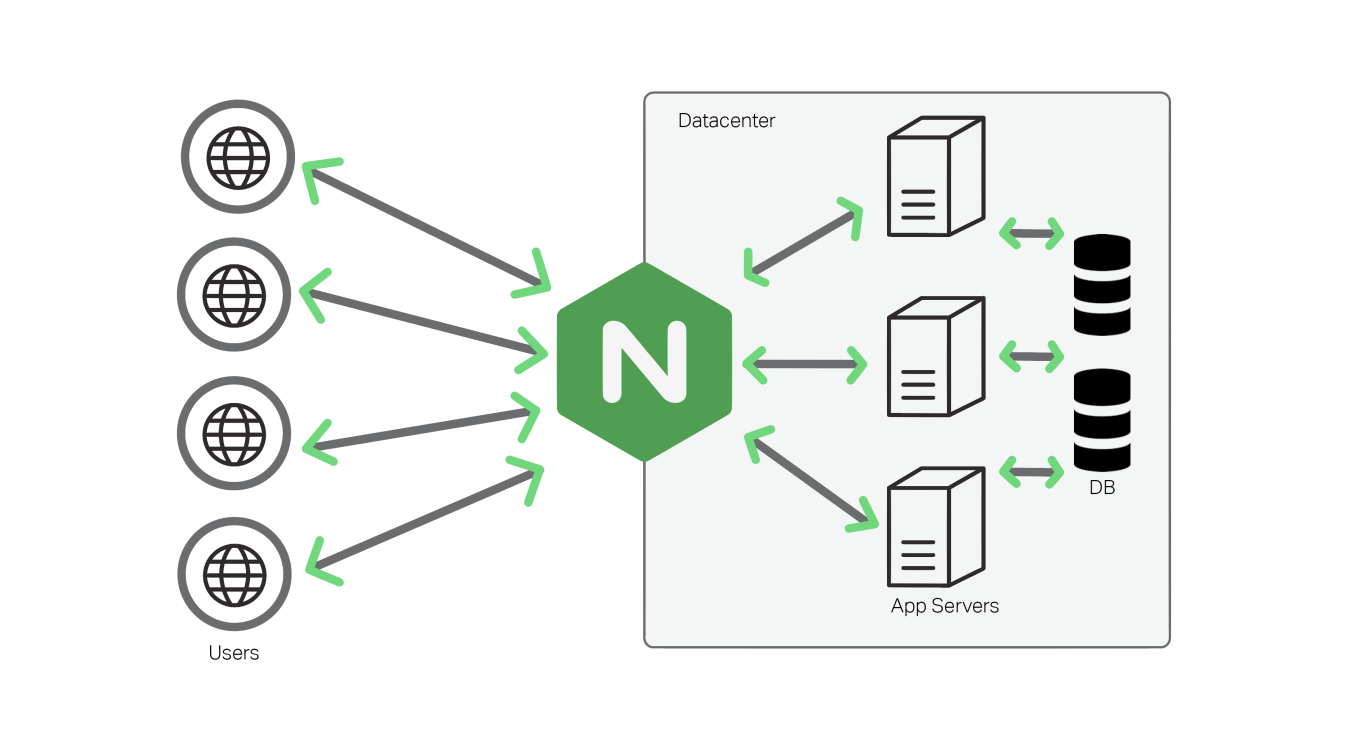
在电脑网络中,反向代理是代理服务器的一种。它根据客户端的请求,从后端的服务器(如Web服务器)上获取资源,然后再将这些资源返回给客户端。与前向代理不同,前向代理作为一个媒介将互联网上获取的资源返回给相关联的客户端,而反向代理是在服务器端(如Web服务器)作为代理使用,而不是客户端。
二、反向代理功能:
1.加密和SSL加速
2.负载均衡
3.缓存静态内容
4.压缩
5.减速上传
6.安全
7.外网发布
三、下载编译安装Nginx
1.安装依赖包
- yum -y install gcc openssl-devel pcre-devel httpd-tools gcc-c++

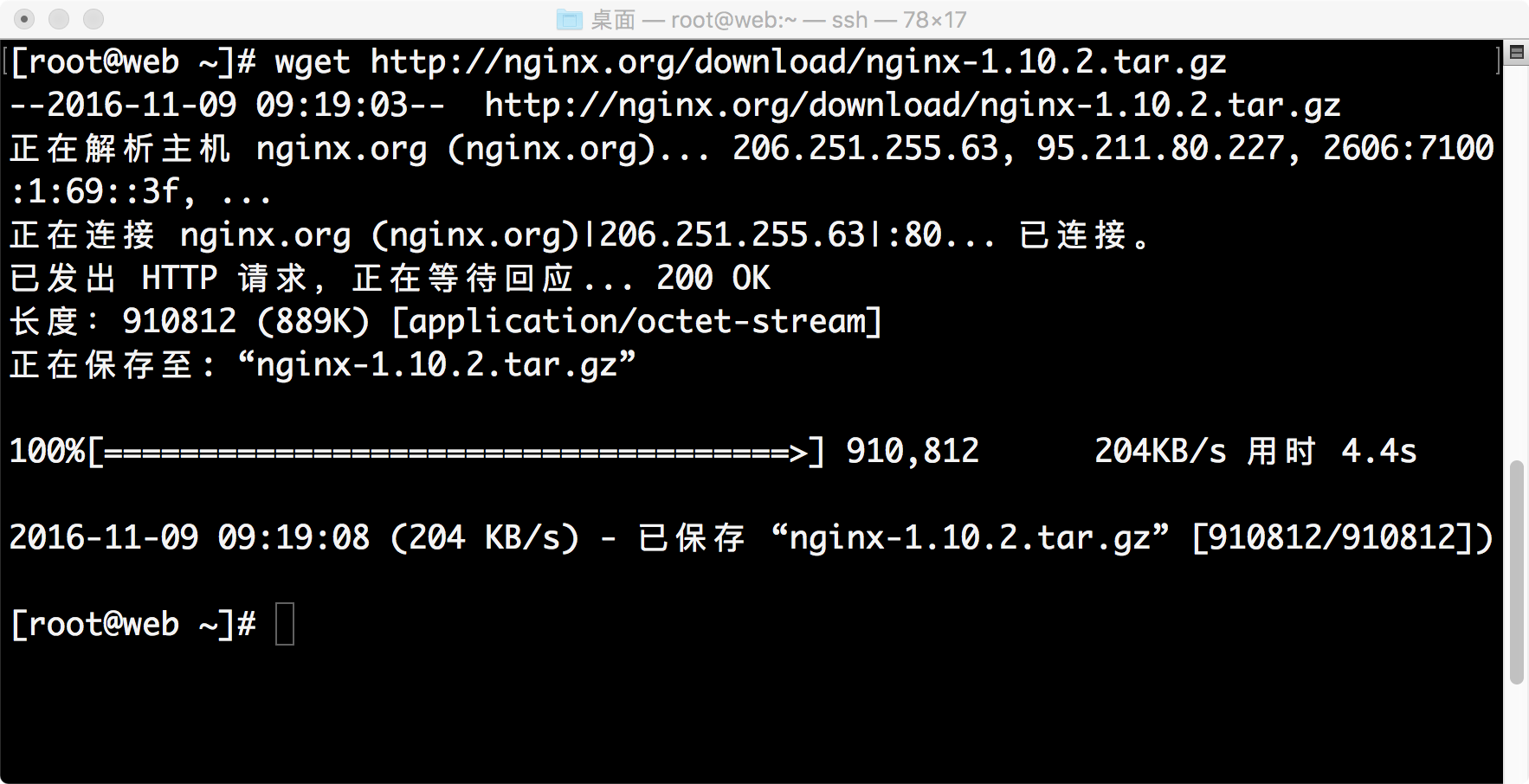
2.下载Nginx
- wget http://nginx.org/download/nginx-1.10.2.tar.gz
3.编译安装Nginx- tar xf nginx-1.10.2.tar.gz #解压nginx
- cd nginx-1.10.2/ #进入解压目录
- useradd nginx #创建用户
- ./configure --prefix=/usr/local/nginx --user=nginx --group=nginx --with-http_ssl_module #检查配置

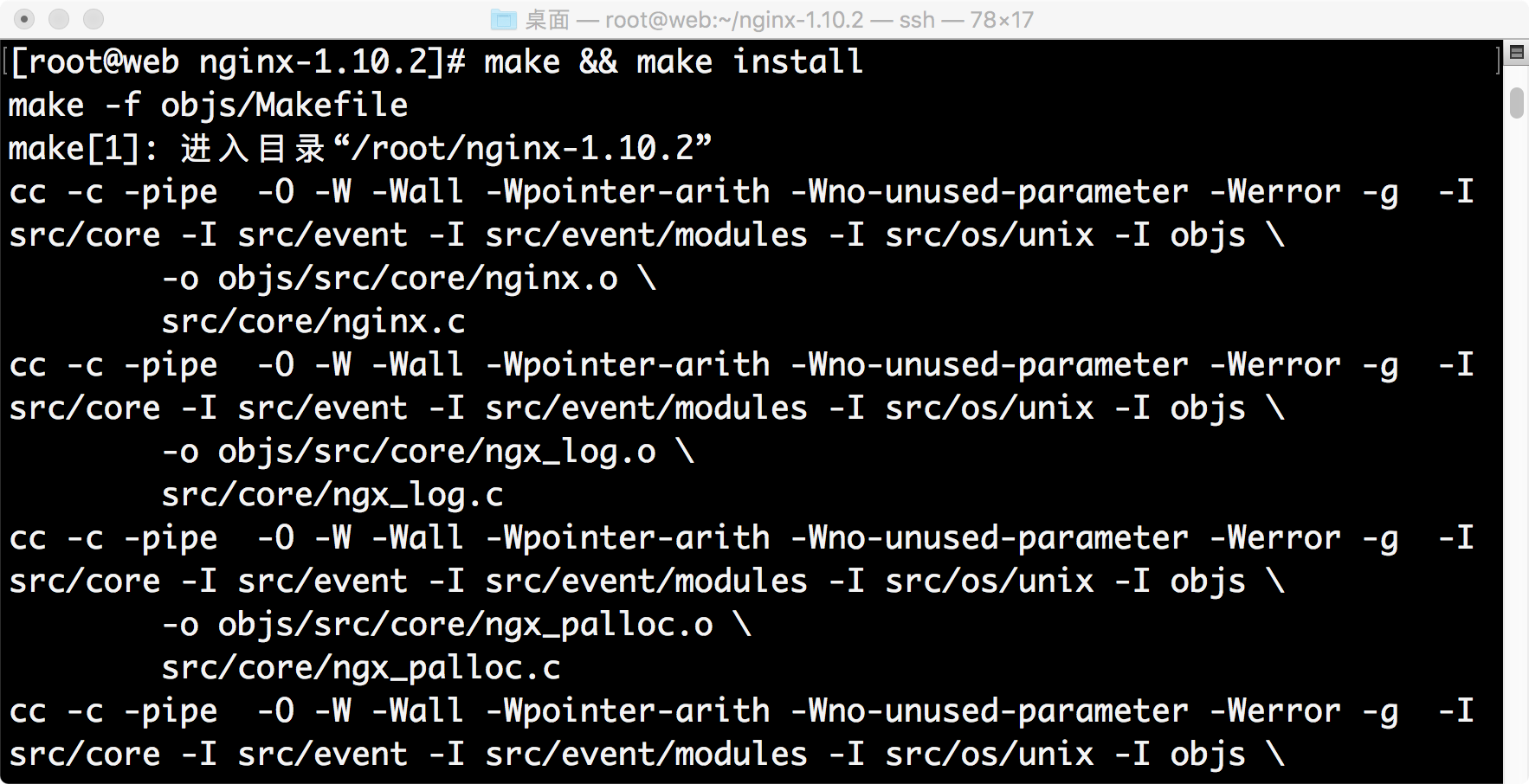
- make && make install #编译并安装
- ln -s /usr/local/nginx/sbin/nginx /usr/sbin/ #制作快捷方式
- nginx #启动服务
- netstat -anptu | grep nginx #检查端口

浏览器检查:http://192.168.4.1
四、配置Nginx作为Tornado的反向代理
1.配置文件
- vim /usr/local/nginx/conf/nginx.conf
- > worker_processes 1;
- > events {
- > use epoll;
- > worker_connections 65535;
- > }
- > http {
- > include mime.types;
- > default_type application/octet-stream;
- > sendfile on;
- > server_tokens off;
- > keepalive_timeout 10;
- > tcp_nodelay on;
- > gzip on;
- > upstream fkcloud {
- > server 192.168.4.1:8000;
- > }
- > server {
- > listen 80;
- > server_name localhost;
- > location / {
- > proxy_pass_header Server;
- > proxy_set_header Host $http_host;
- > proxy_redirect off;
- > proxy_set_header X-Real-IP $remote_addr;
- > proxy_set_header X-Scheme $scheme;
- > proxy_http_version 1.1;
- > proxy_set_header Upgrade $http_upgrade;
- > proxy_set_header Connection "Upgrade";
- > proxy_pass http://fkcloud;
- > }
- > }
- > }

2.tornado代码

3.刷新配置,启动tornado
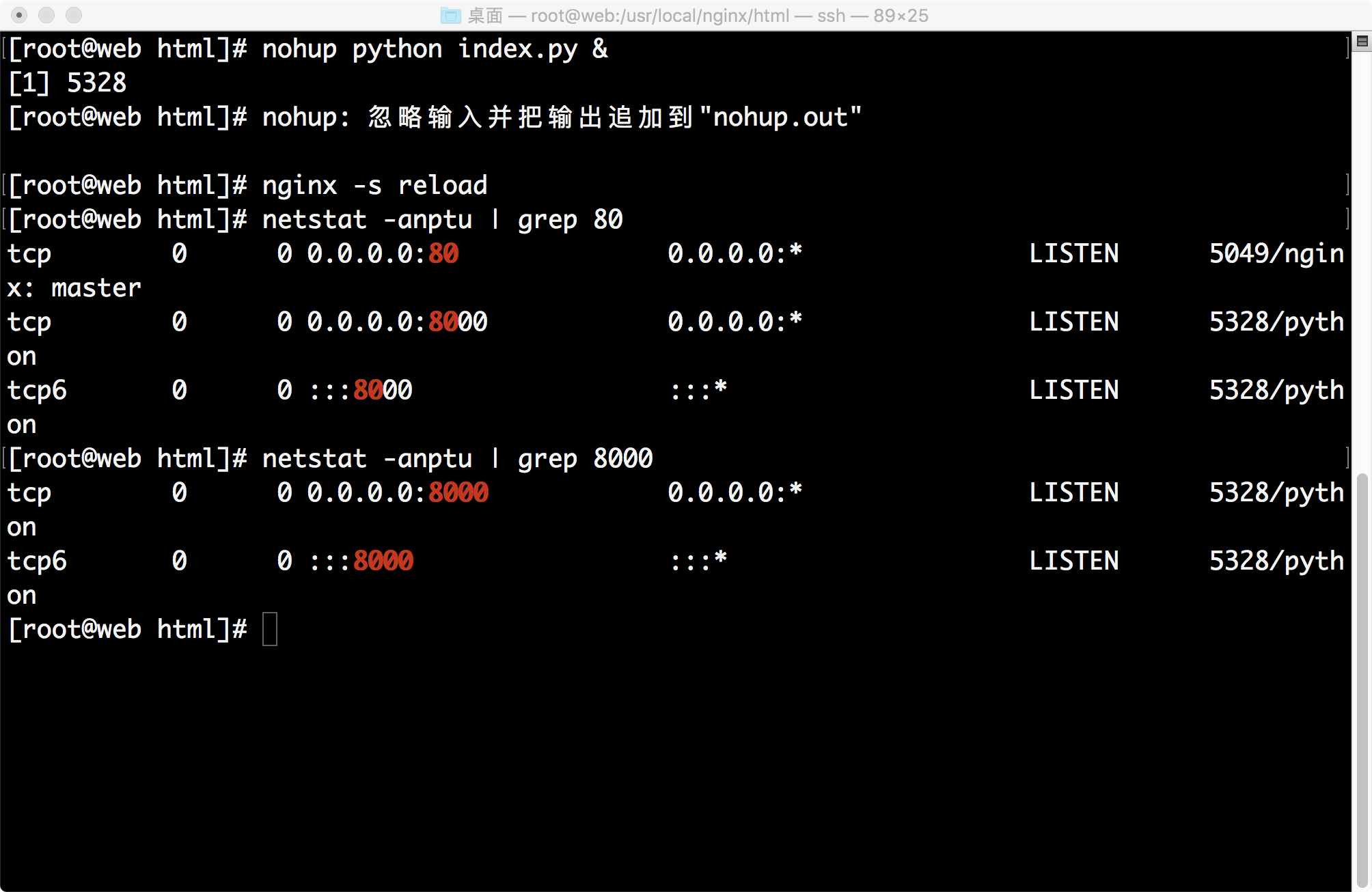
- > nginx -s reload #重启服务
- > nohup python index.py & #启动tornado服务
- > netstat -anptu | grep 80 检查80端口
- > netstat -anptu | grep 8000 #检测8000端口
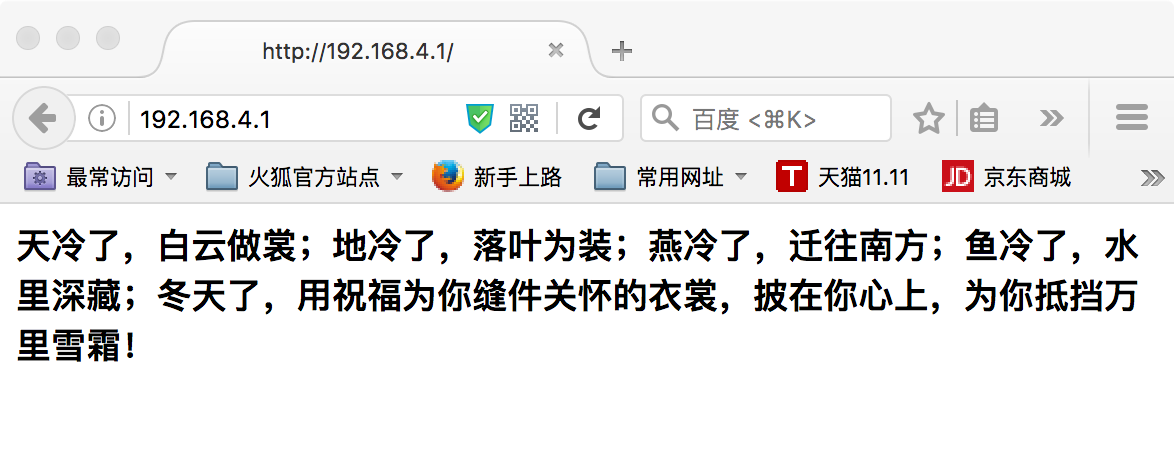
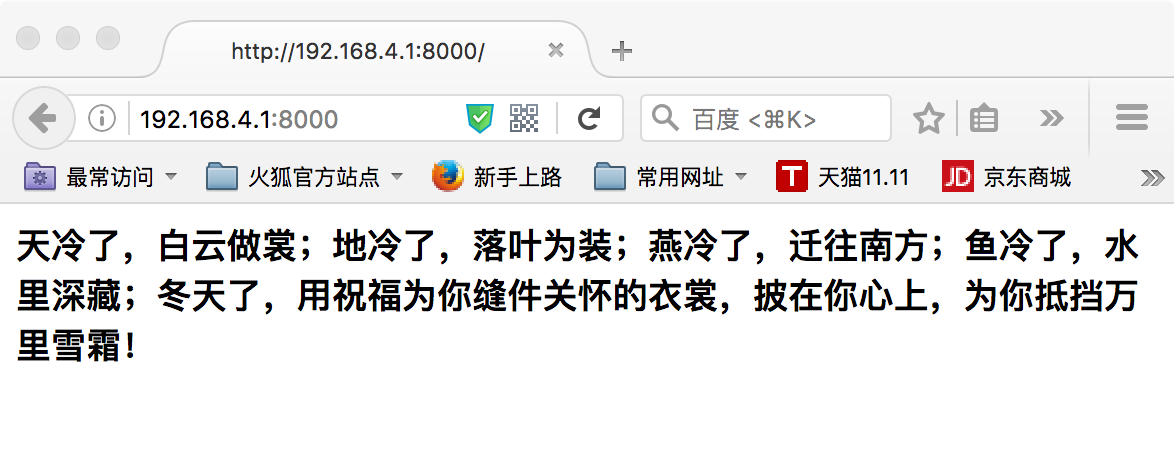
4.浏览器检测
- 浏览器检查:http://192.168.4.1:8000
| 


 发表于 2017-8-4 16:40:39